Your AI agents do the thinking. ImageKit manages your media.
AI agents are now where work starts. ImageKit is built for it: hosted MCP servers, agent skills, and AI-ready docs let Claude, Cursor, Copilot, and your own agents manage, transform, and deliver media for you.
Connect ImageKit DAM to your AI assistants
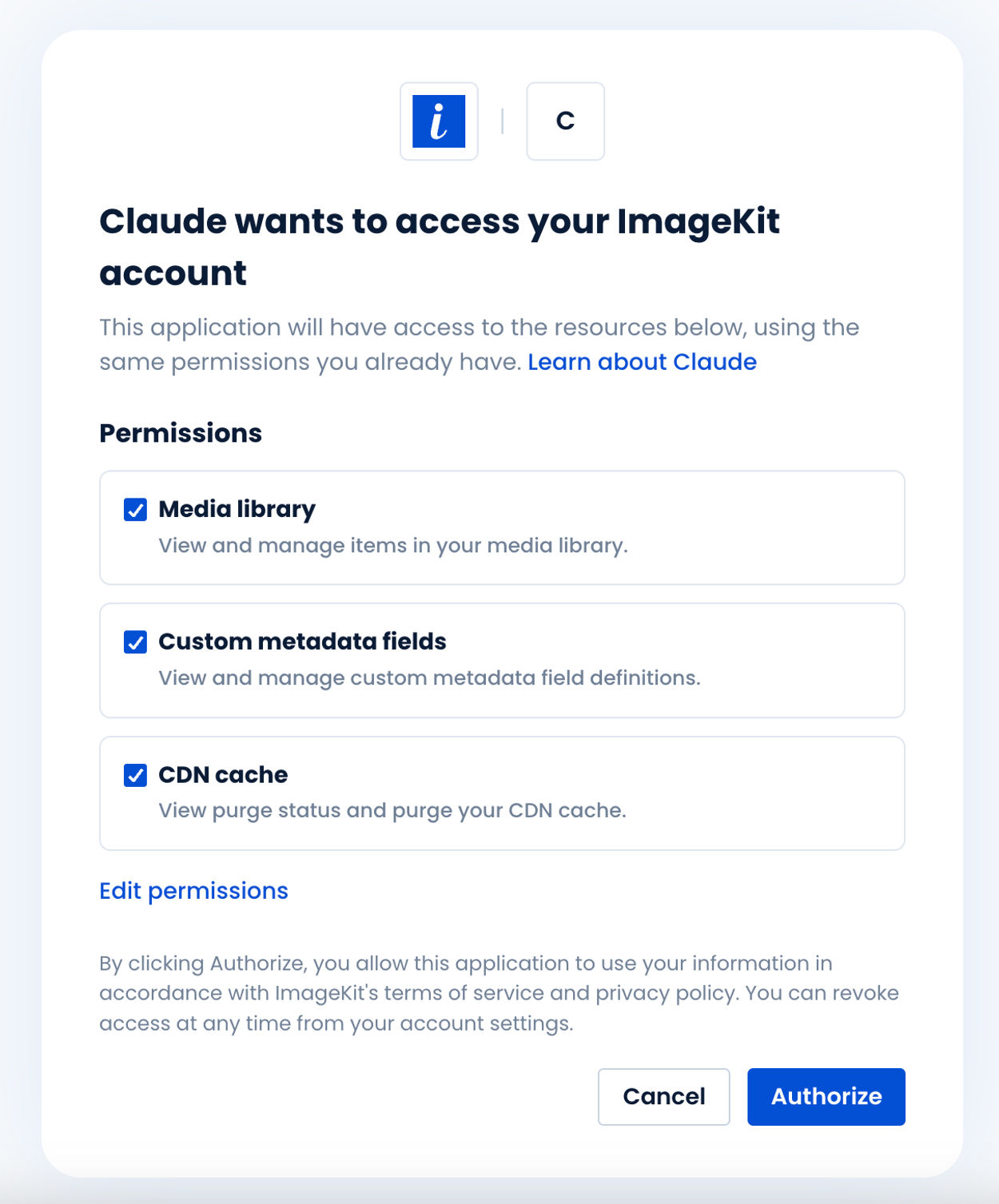
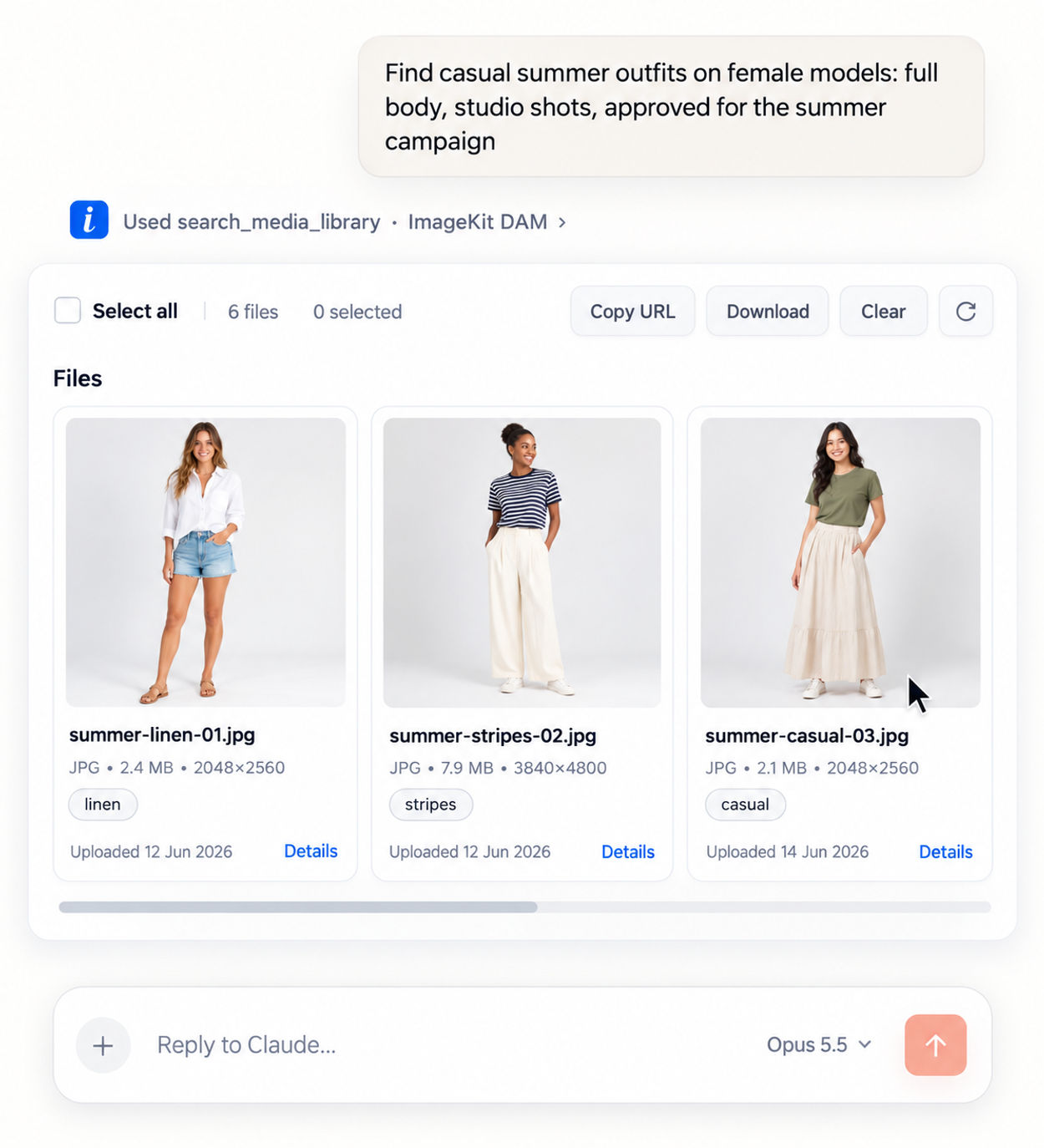
The hosted DAM MCP server lets Claude, Cursor, VS Code, and Copilot work directly in your media library, scoped to each user's own permissions.
- Manage: Search in plain English, like "summer outfits, full body, studio shots".
- Create: Turn "Adidas t-shirt banner, 50% off" into on-brand banners using approved assets.
- Govern: Flag expired rights, missing alt text, and bad file names. Fix after review.
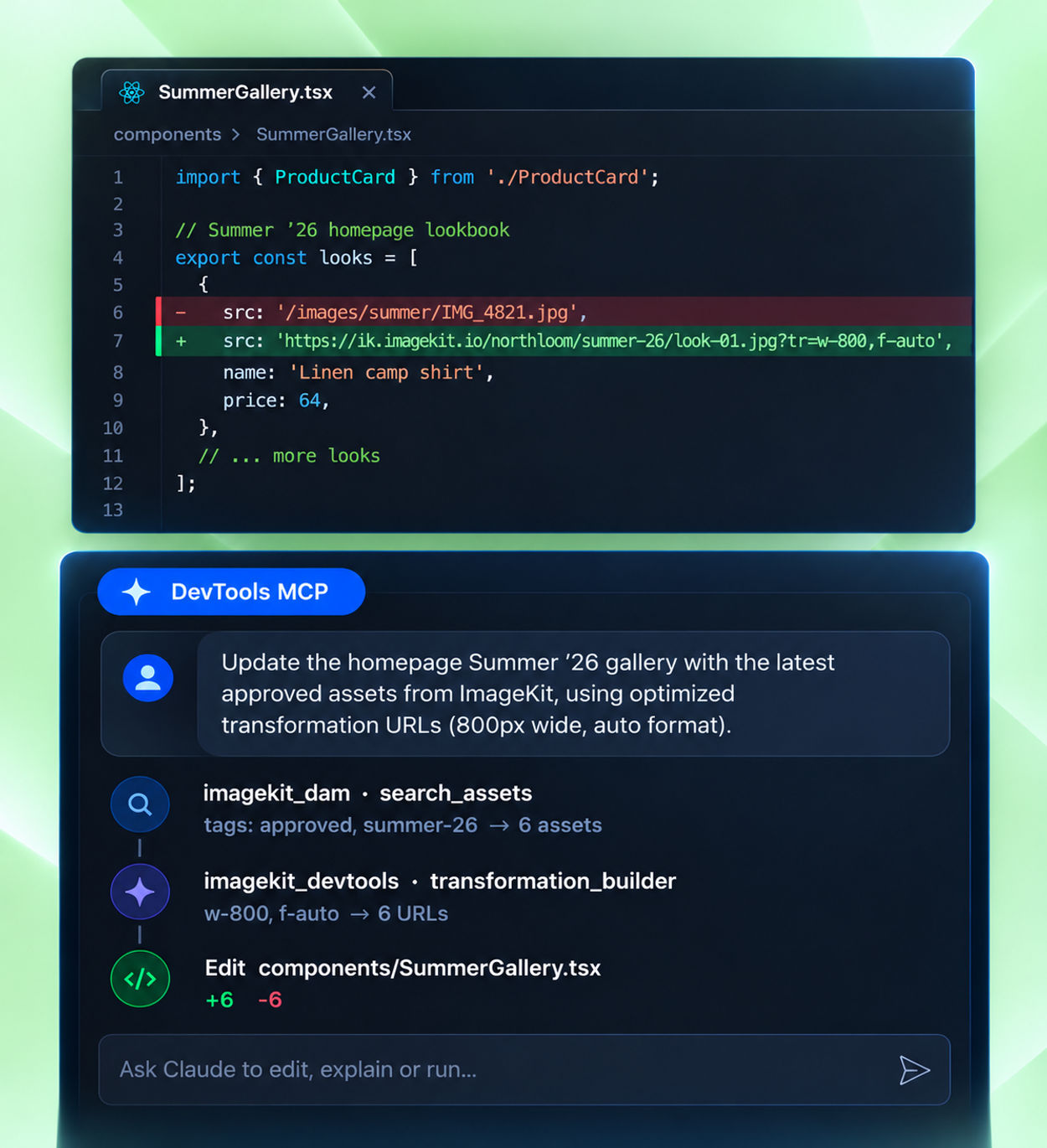
- Publish: Update your site's gallery with approved assets from Cursor or Claude Code.
Ship ImageKit code right the first time
LLMs were trained before the latest version of ImageKit. On their own, they suggest outdated API signatures and invent transformation parameters. DevTools MCP gives your coding agent the current source of truth:
- search_docs answers "how do I…" from official docs, API references, SDK examples, and community posts.
- transformation_builder turns plain English into a working URL, including AI edits, background removal, generative fill, upscaling, smart crop, and overlays.
It needs no sign-in, so your coding agent can use it right away.
Skills that make AI work better with ImageKit
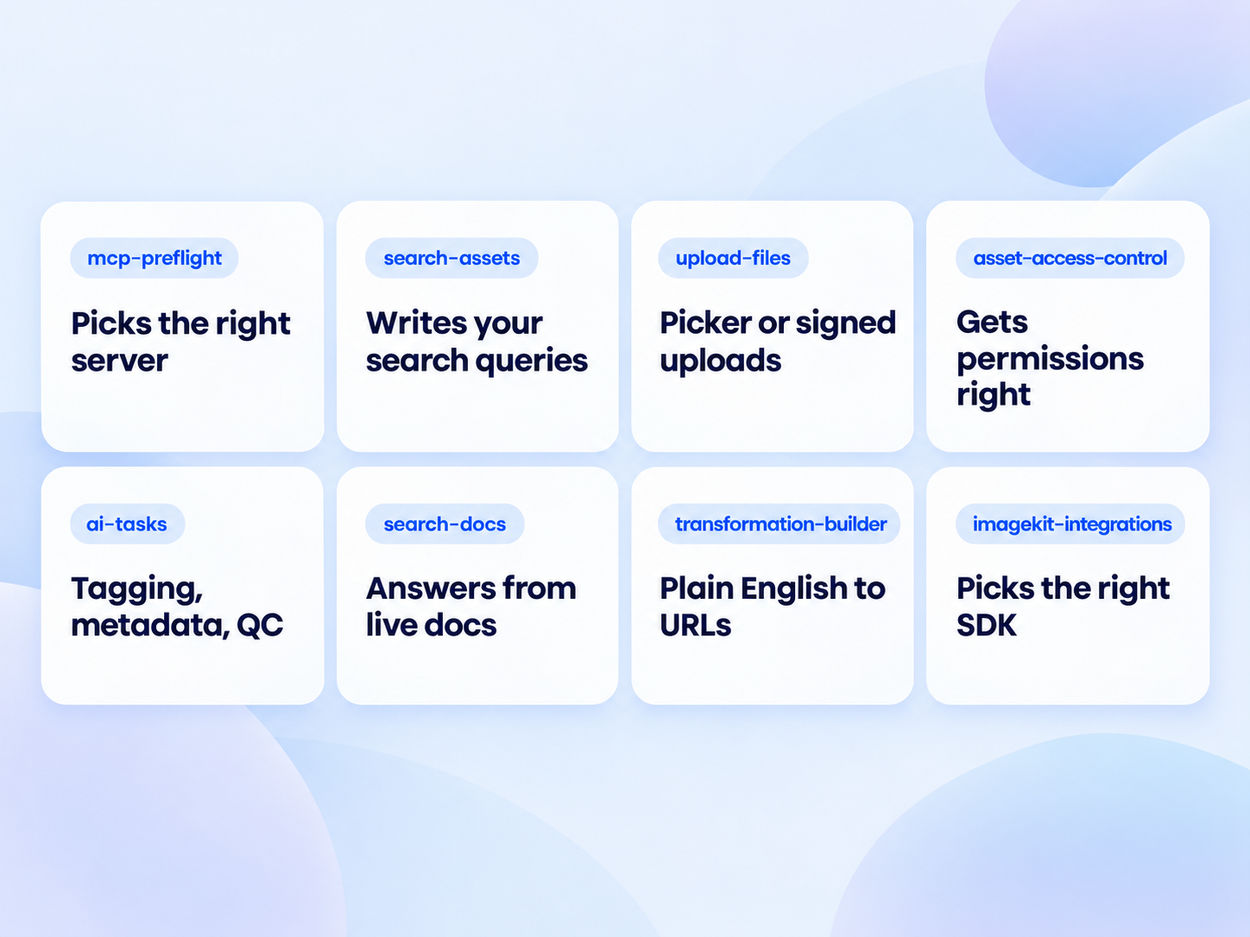
Skills teach your agent ImageKit's workflows, so you spend less time correcting it and more time shipping.
- Right answer, first try: working transformation URLs, accurate searches, and the right SDK for your stack, all checked against the official docs.
- Safe by default: uploads skip the chat, and sharing and tagging follow your rules instead of the agent's guesses.
One command installs them all, in Cursor, VS Code Copilot, Windsurf, Claude Code, and Codex.
Run account setup from a conversation
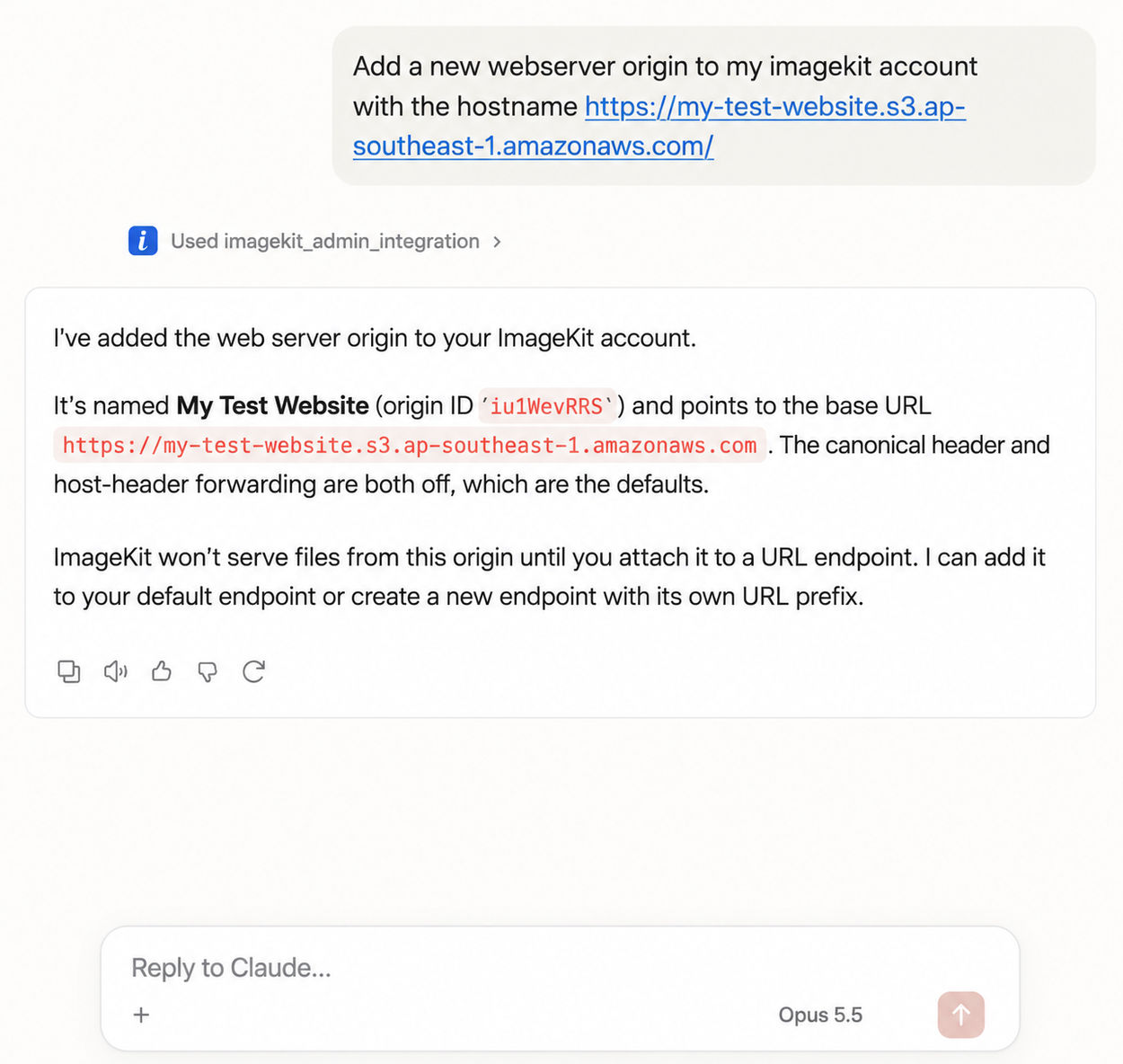
Connecting storage and checking usage used to mean clicking through settings. With Admin MCP, an assistant does it for you:
- List, create, update, and delete origins on your external storage.
- Create and update URL endpoints.
- Check account usage totals and usage analytics.
Give any AI assistant the full ImageKit docs
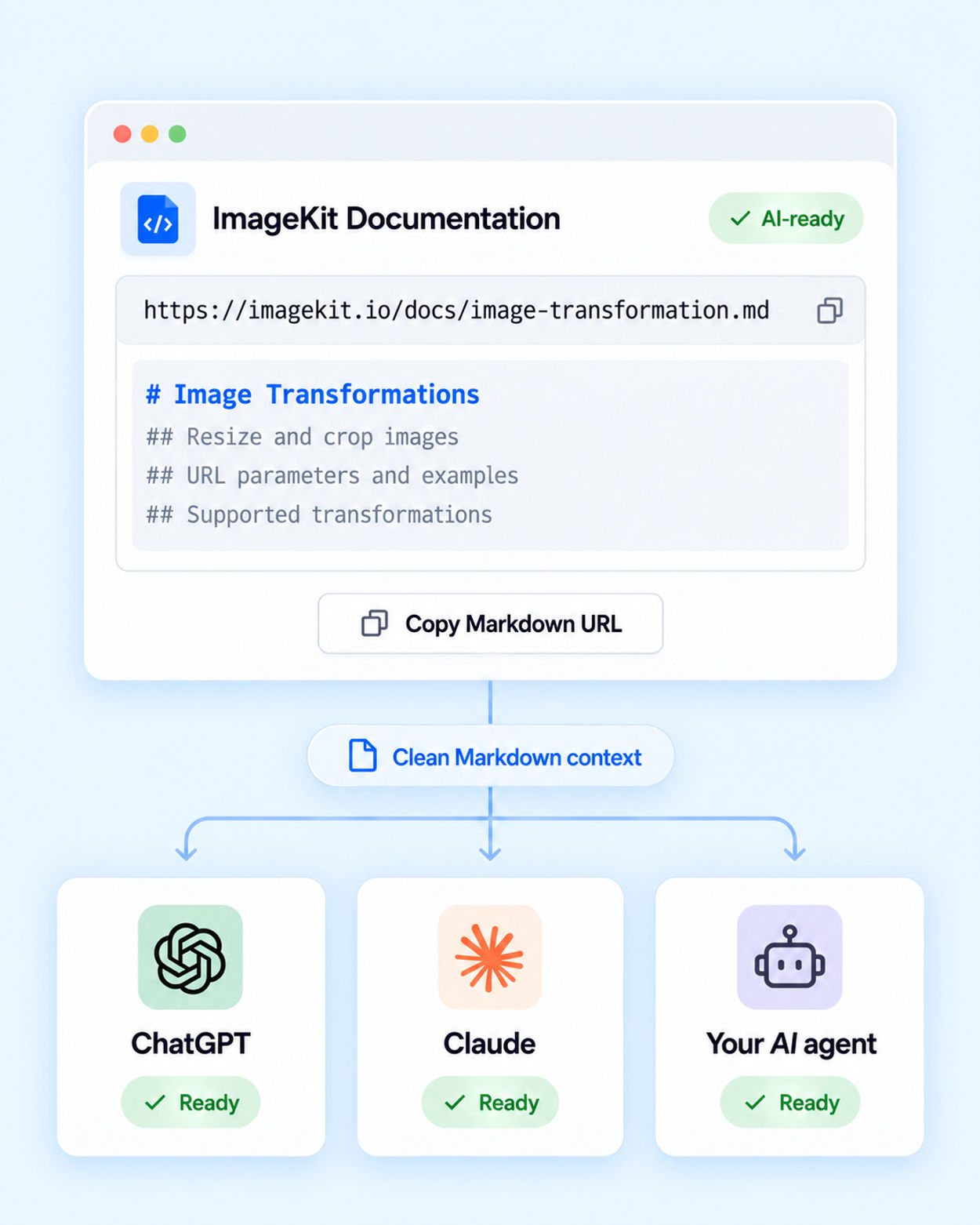
Not every assistant supports MCP. Every ImageKit docs page is also available as plain-text Markdown: add .md to any docs URL, or use Copy page.
Plain text uses fewer tokens than scraped HTML, includes content hidden in tabs and accordions, and keeps a heading structure LLMs can follow. Hand llms-full.txt to ChatGPT, Claude, or your own agent and it answers from the current docs in a single request.
Enterprise-grade control over every agent
Many platforms ask you to accept all-or-nothing access before an assistant can do anything. ImageKit lets you decide exactly what each assistant may do.
- Pick resources on the consent screen, then grant read, create, update, or delete independently. A search-only assistant never gets delete.
- An assistant can never exceed the user's role and DAM permissions.
- Users sign in with their own account. The assistant never sees a password or API key.
- All three servers are hosted by ImageKit. There's nothing to deploy or maintain.