How to add subtitles to an MP4 video
Four ways to add subtitles to an MP4: a WebVTT track, an SRT file converted to WebVTT, burned-in captions with ffmpeg, and broadcast-adjacent formats ...

11 articles
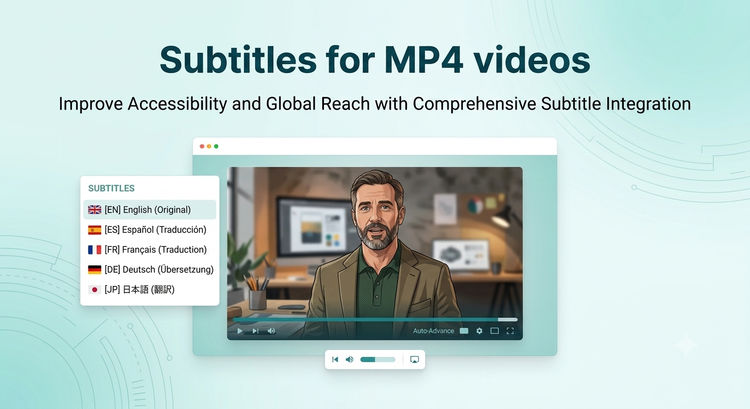
Four ways to add subtitles to an MP4: a WebVTT track, an SRT file converted to WebVTT, burned-in captions with ffmpeg, and broadcast-adjacent formats ...

Three ways to add chapter markers to an MP4: embed them in the container, ship a WebVTT chapters track, or pass a `chapters` prop to ImageKit's Video ...

A step-by-step tutorial for adding video playlists to a Next.js site using ImageKit's Video Player SDK. Covers the playlist widget, auto-advance, upco...
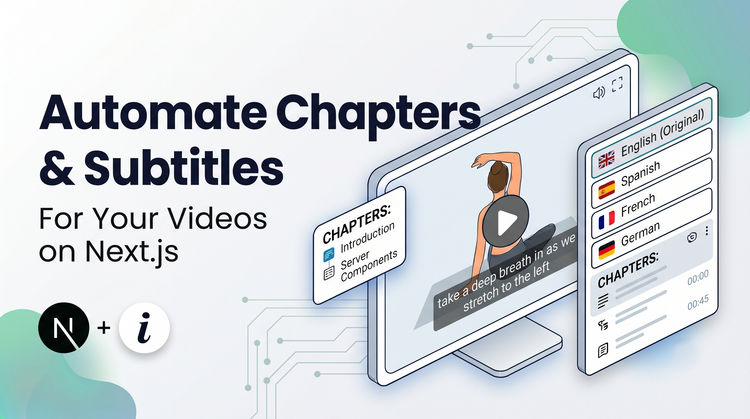
A step-by-step tutorial for adding AI-generated subtitles, chapter markers, and multi-language translations to a Next.js video player using ImageKit's...

Get adaptive bitrate streaming, video optimizations, and real-time transformations and watermarking by attaching ImageKit with your Google Cloud Stora...

Get adaptive bitrate streaming, video optimizations, and real-time transformations and watermarking by attaching ImageKit with your AWS S3 bucket.
Get adaptive bitrate streaming, video optimizations, and real-time transformations and watermarking by attaching ImageKit with Azure Blob Storage.

A step-by-step tutorial for adding shoppable videos to a Next.js website using ImageKit's Video Player SDK. Covers the product bar, time-based highlig...

Resize, compress, strip audio, generate thumbnails, lazy load, and stream video in Next.js using ImageKit's URL-based transformations and Next.js SDK.
Learn how to use ImageKit to automatically compress background videos, convert them to the best format for each browser, and deliver them through a gl...


Learn why browsers block autoplay and how to fix it, then reduce your video file size by up to 98% using ImageKit's real-time video optimization API.